Weather Studio in 2 minutes
From raw weather data to a shoot decision you can defend to production. Here's what the product does, step by step.
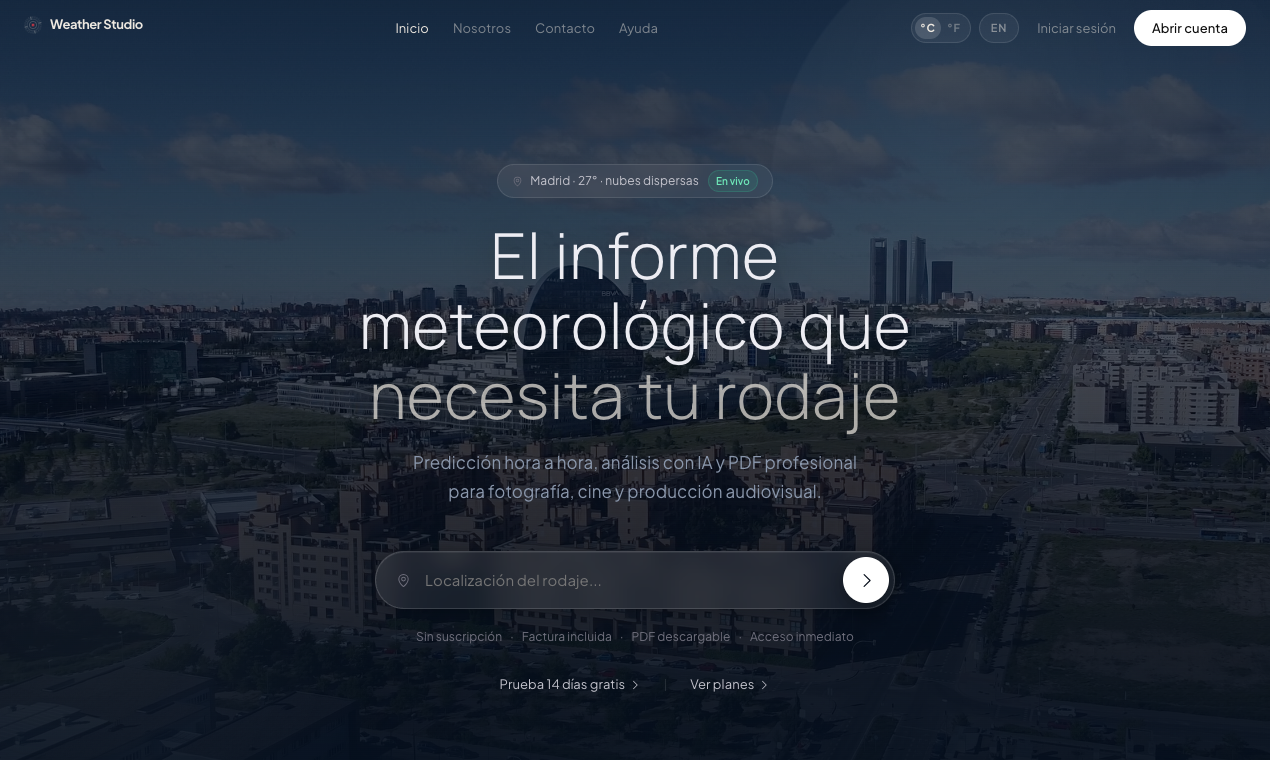
Search the exact location of your shoot
Enter the location by name or coordinates. Weather Studio works on the exact point of the set — not the nearest city — to capture microclimates and local conditions. AEMET for Spain and global models for the rest of the world.
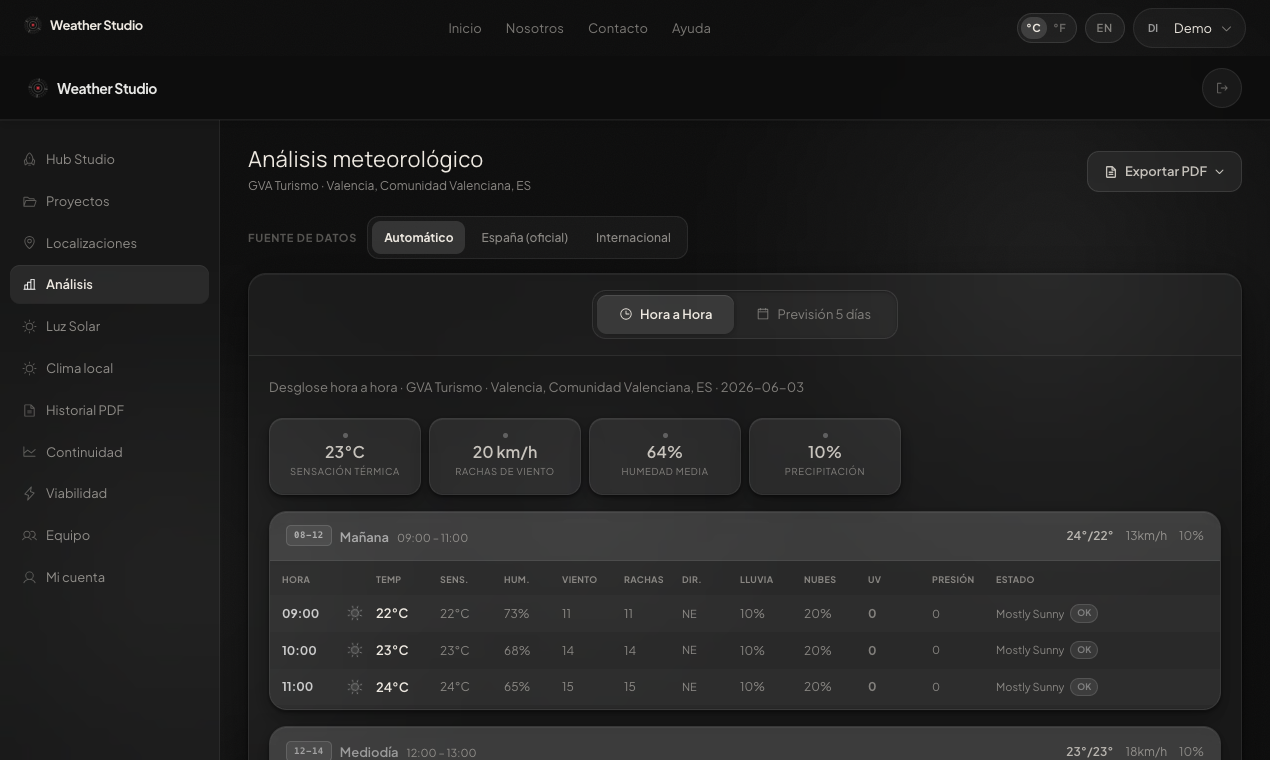
Read the hour-by-hour forecast over the map
Temperature, precipitation, cloud cover, wind, humidity and UV index at hourly resolution, over the location map. Spot the viable shooting windows and the risk windows at a glance.
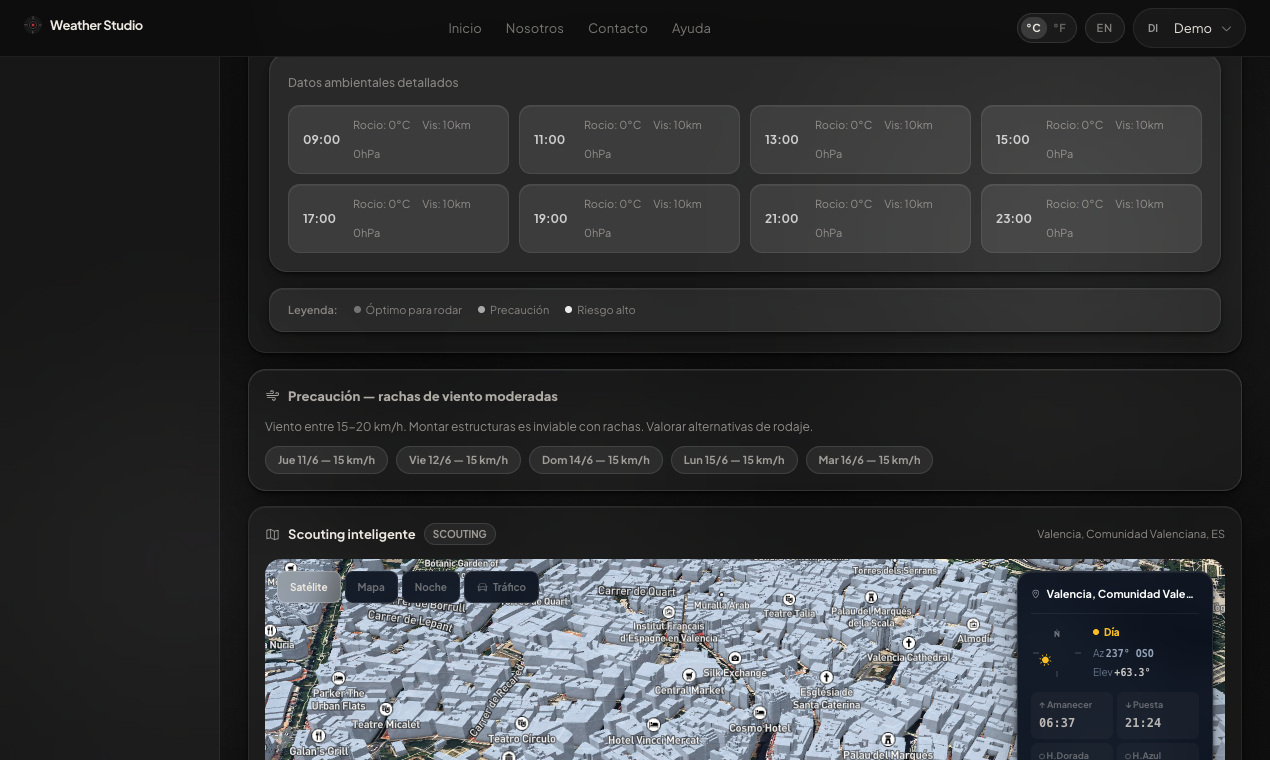
Let the AI interpret the conditions
The AI analysis layer (Claude) reads the forecast and returns operational recommendations: peak-viability hours, specific risks and how to adapt the day. Move from raw data to an actionable decision.
Plan with the exact golden hour
Sunrise, golden hour, blue hour and sunset calculated for the exact coordinates and the specific day. Essential for cinematographers working with natural light.
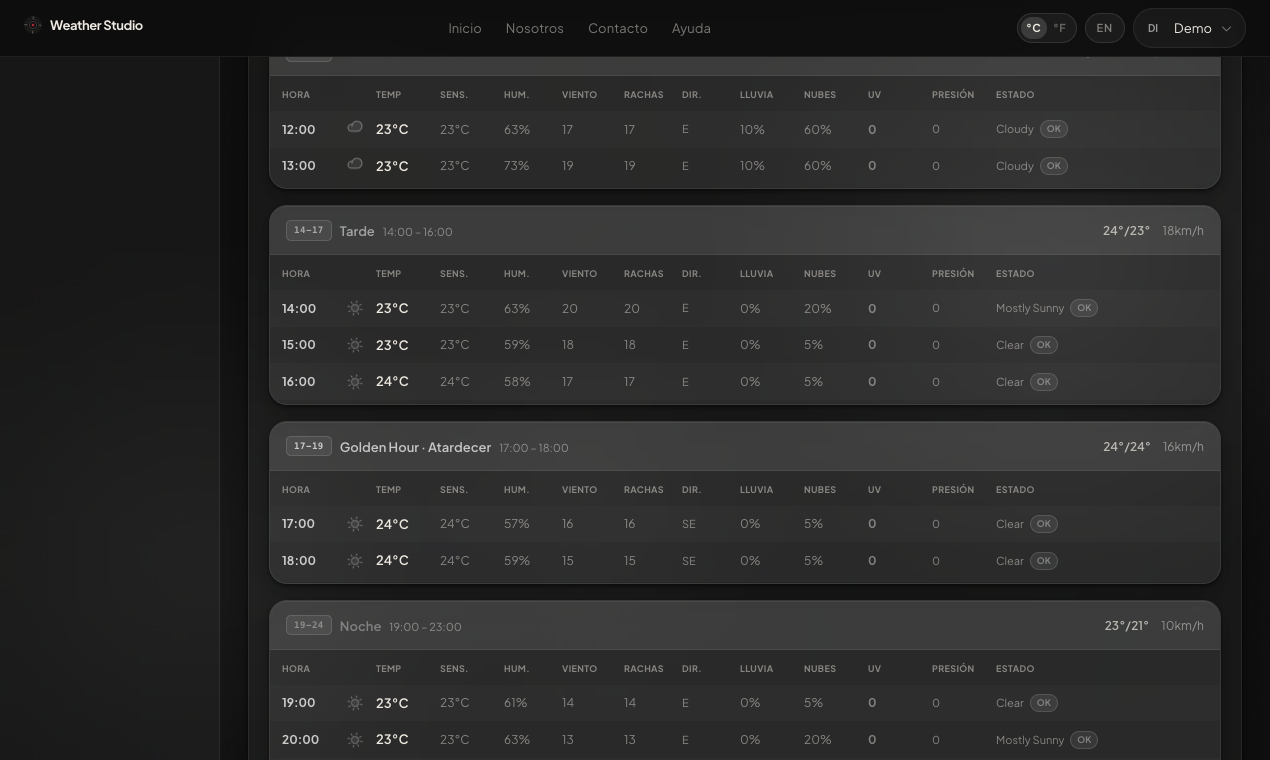
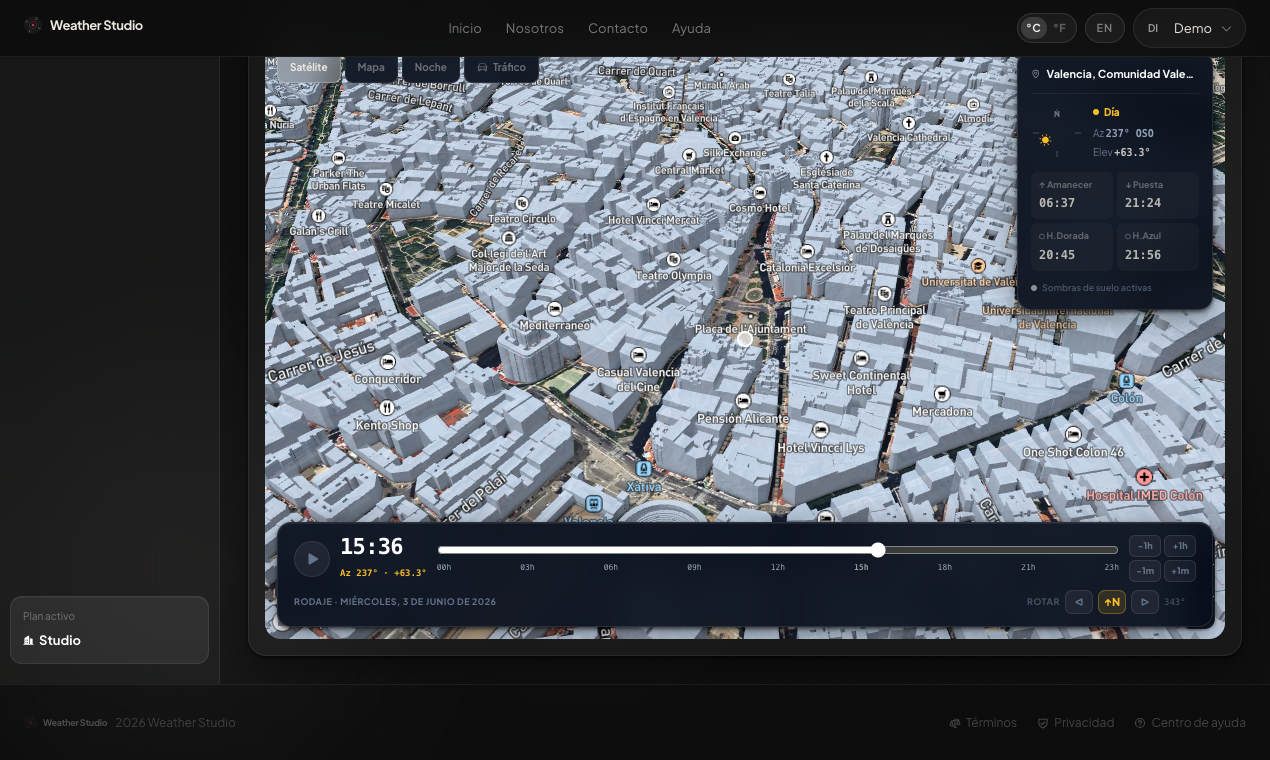
Smart scouting with a shadow simulator
Visualise the location in 3D and simulate how the sun and shadows fall at any hour of the day. Anticipate which façades, streets or exteriors will have direct light during the shooting window, without stepping on set.
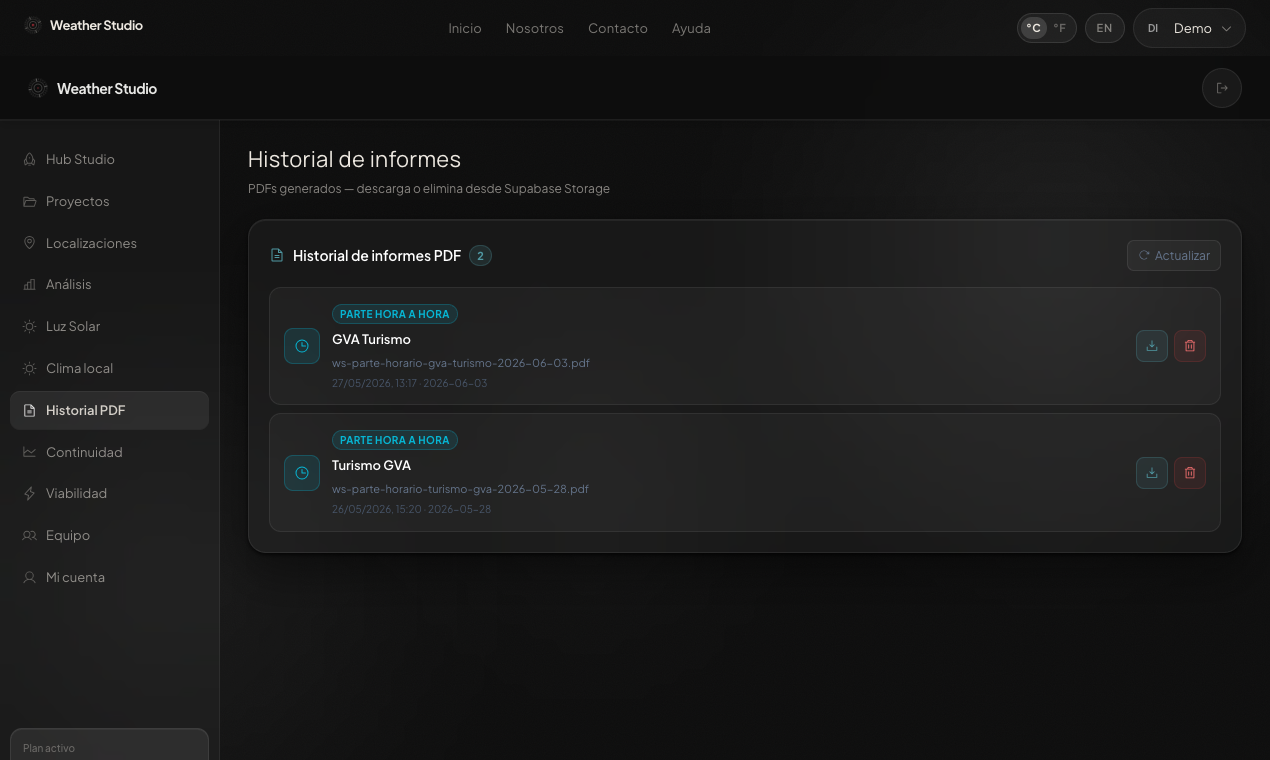
Export a professional PDF for the crew
A complete report — hourly forecast, AI analysis, golden hour, location map and executive summary — ready to share with production. Aligns the crew and documents the decision.
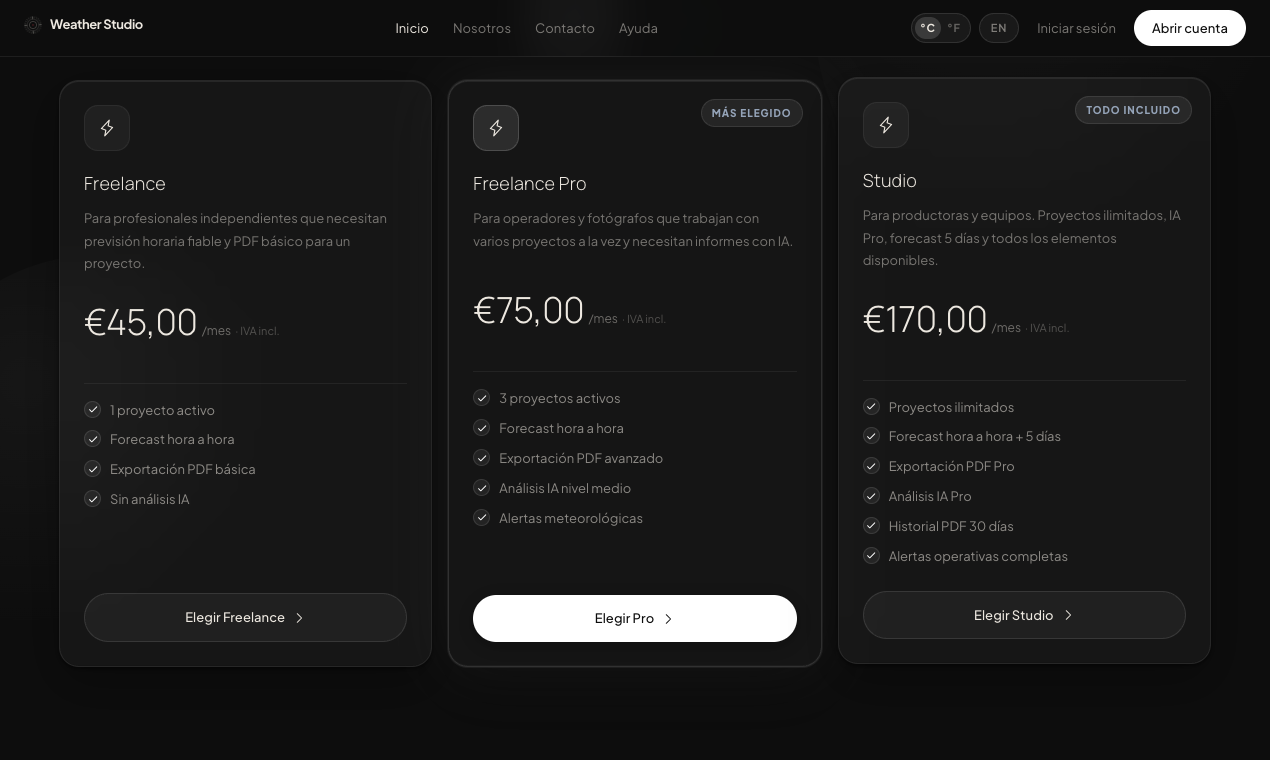
A plan for every kind of production
From the freelancer who needs a reliable report to the production company with unlimited projects. A 14-day full-access trial, no card, and a €39 one-off report for single shoots with no subscription.
Want to see the full opportunity?
A product live in production, a vertical market with no incumbent, and a sharp wedge into a broader category of operational weather intelligence. Let's talk.